
The Account Settings is where you’ll enter the personal details that make your Finbox account uniquely yours.
External Authentication Providers
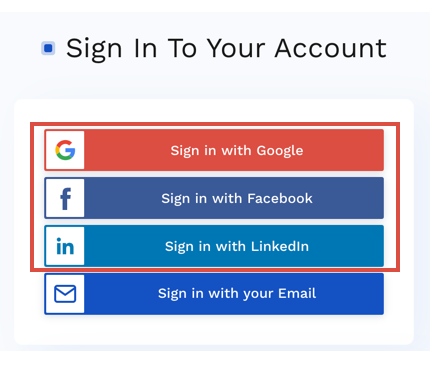
If you prefer, Finbox also supports signing in with your Google, Facebook, or LinkedIn accounts. It's generally faster and only takes in one click.
Change Your Name, Email & Password
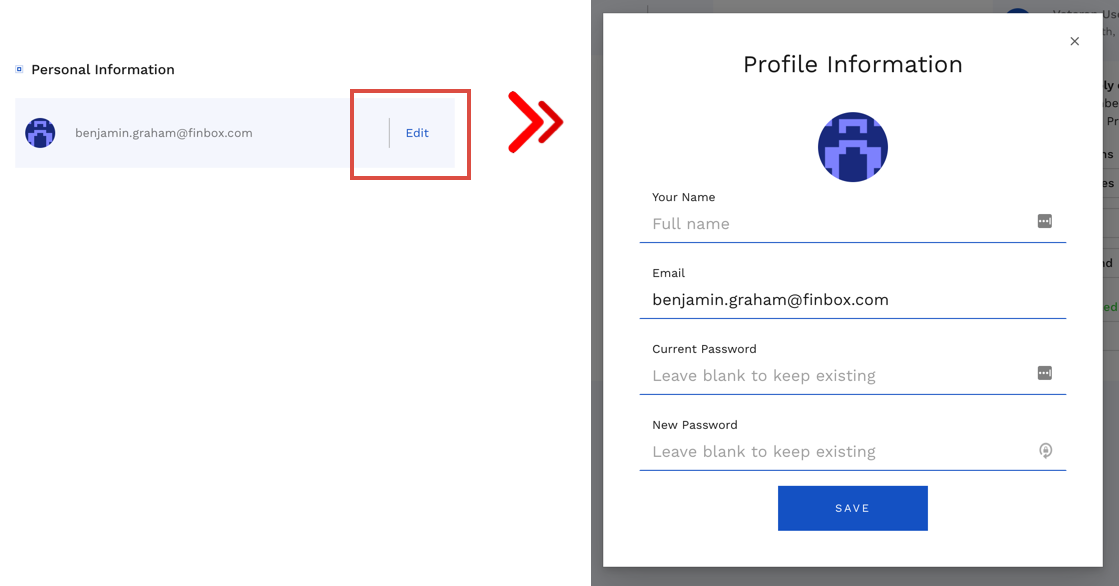
You can update your name and password anytime from your Account Settings. Just click the Edit button under Personal Information.
Update Your Subscription
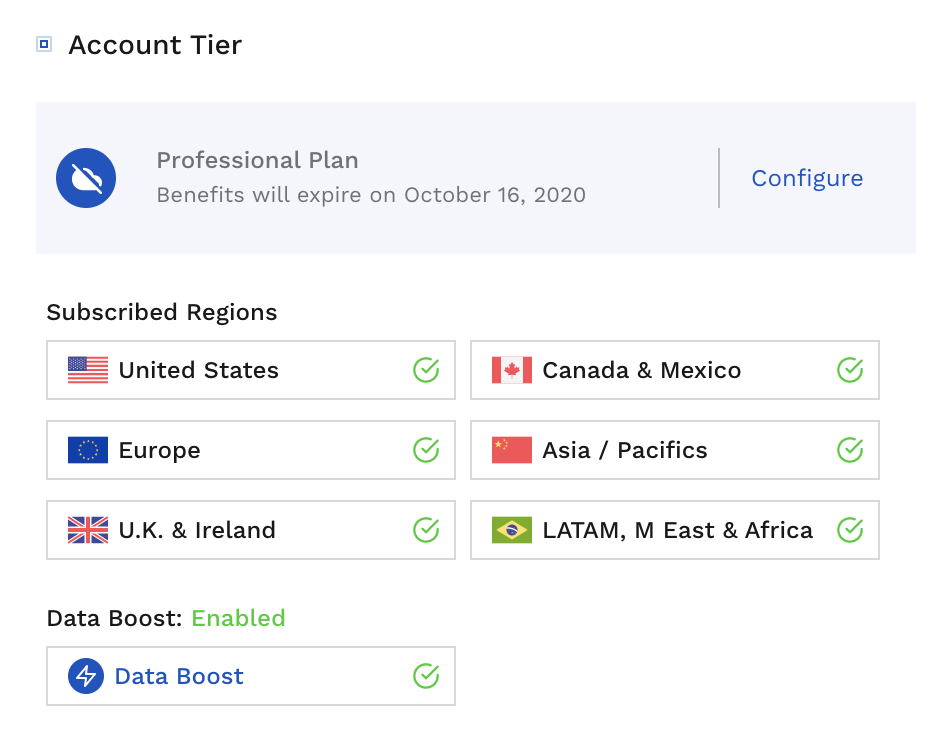
You can update from your Account Settings. Just click the Configure button under Account Tier.
Cancel Your Subscription
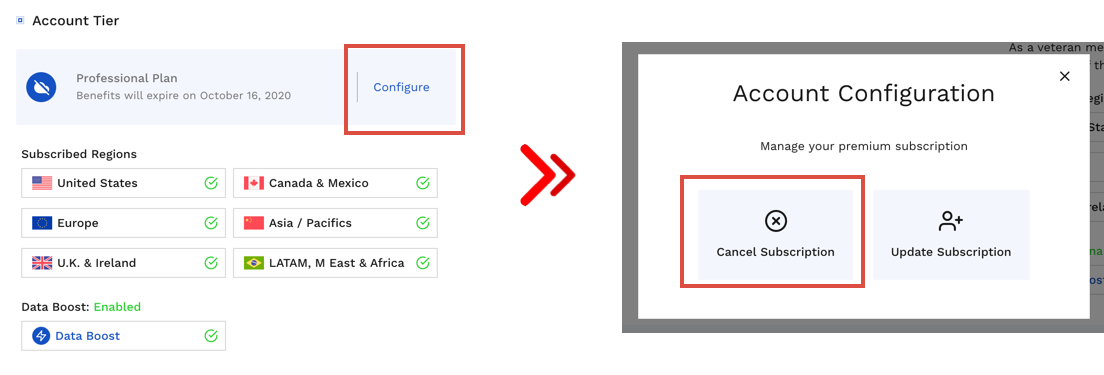
You can cancel from your paid premium subscription from your Account Settings. Just click the Configure button under Account Tier and Cancel Plan in the dialog that appears.
Comments
0 comments
Article is closed for comments.